Collaborate via Workspaces
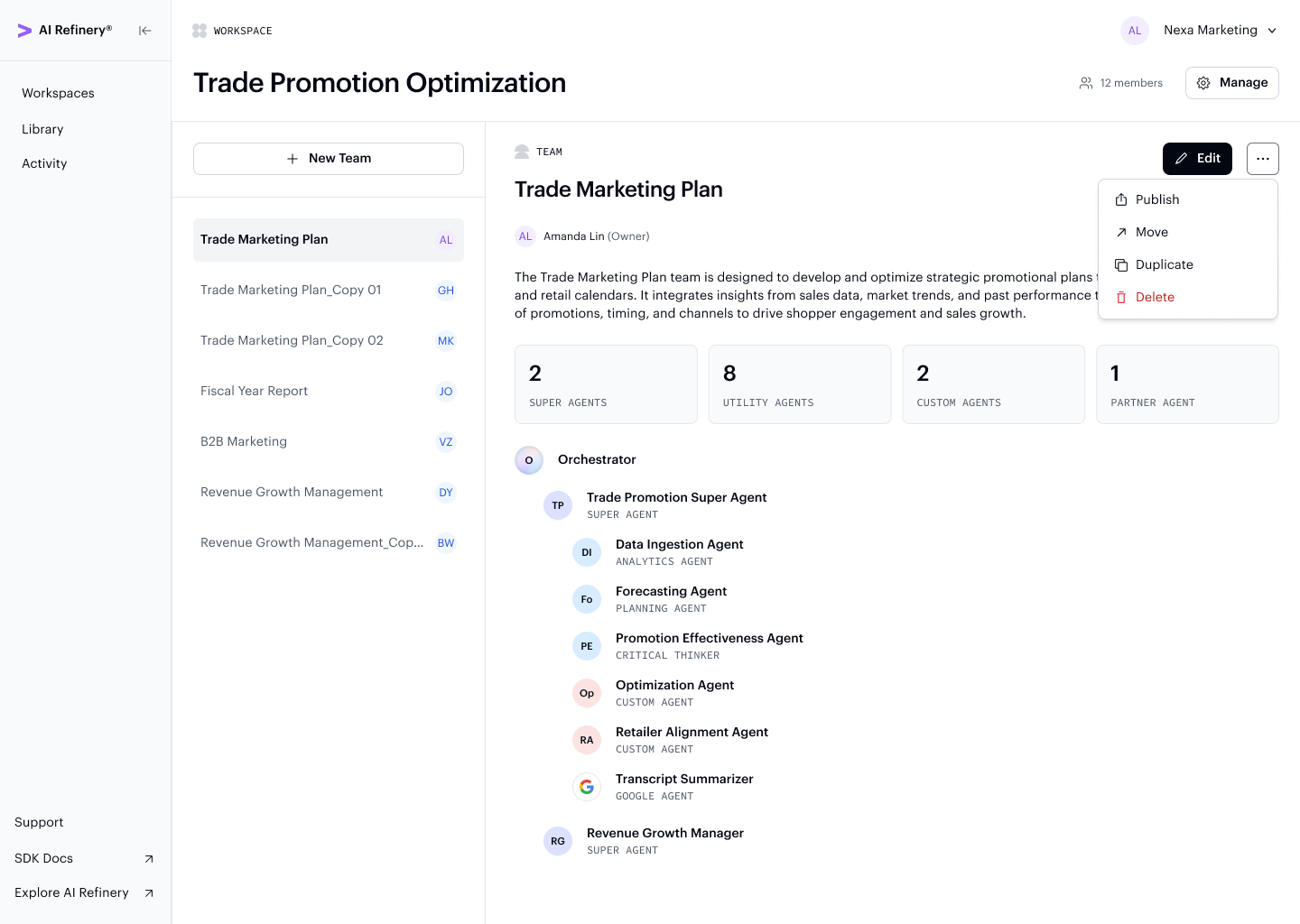
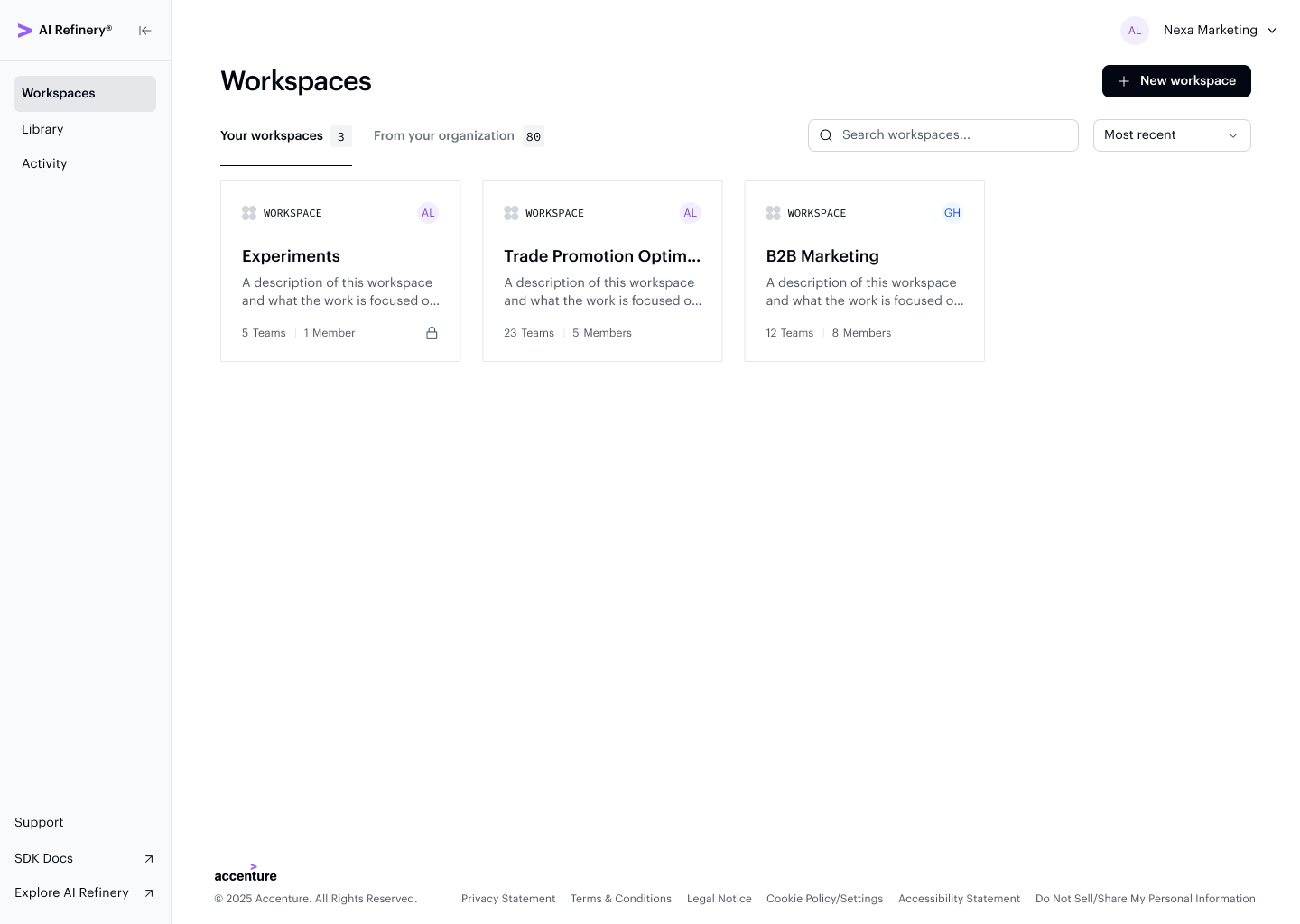
A workspace is a shared area within your organization in AI Refinery® Studio where your team can collaborate and build agent teams. While your organization represents your entire company, a workspace can focus on a specific department, team, project, or initiative.
The Your workspaces tab shows the workspaces you belong to, while From your organization shows all workspaces available across the org.
What's in a Workspace
Each workspace includes:
- Name — A label identifying the workspace's purpose or team
- Description — Context about the workspace's focus area
- Members — Users with access to collaborate in the workspace
- Agent teams (projects) — The collection of agent teams built within the workspace
Workspace Ownership
Workspace owners can:
- Add or remove members from the workspace
- Create and manage their own agent teams within the workspace
- Duplicate teams created by other members of the workspace
The team action menu gives workspace owners quick access to publish, move, duplicate, or delete any team in the workspace.