Create Your AI Refinery API Key
AI Refinery API keys are self-managed and crucial for accessing the platform. They allow you to create projects, access APIs, and utilize all features in AI Refinery. Make sure to store your key securely, as it will only be displayed once.
Working in Studio?
If you're generating keys to use in AI Refinery® Studio, see Generate & Use API Keys for the Studio interface. The keys are the same — Studio and the SDK share the same credentials.
Steps
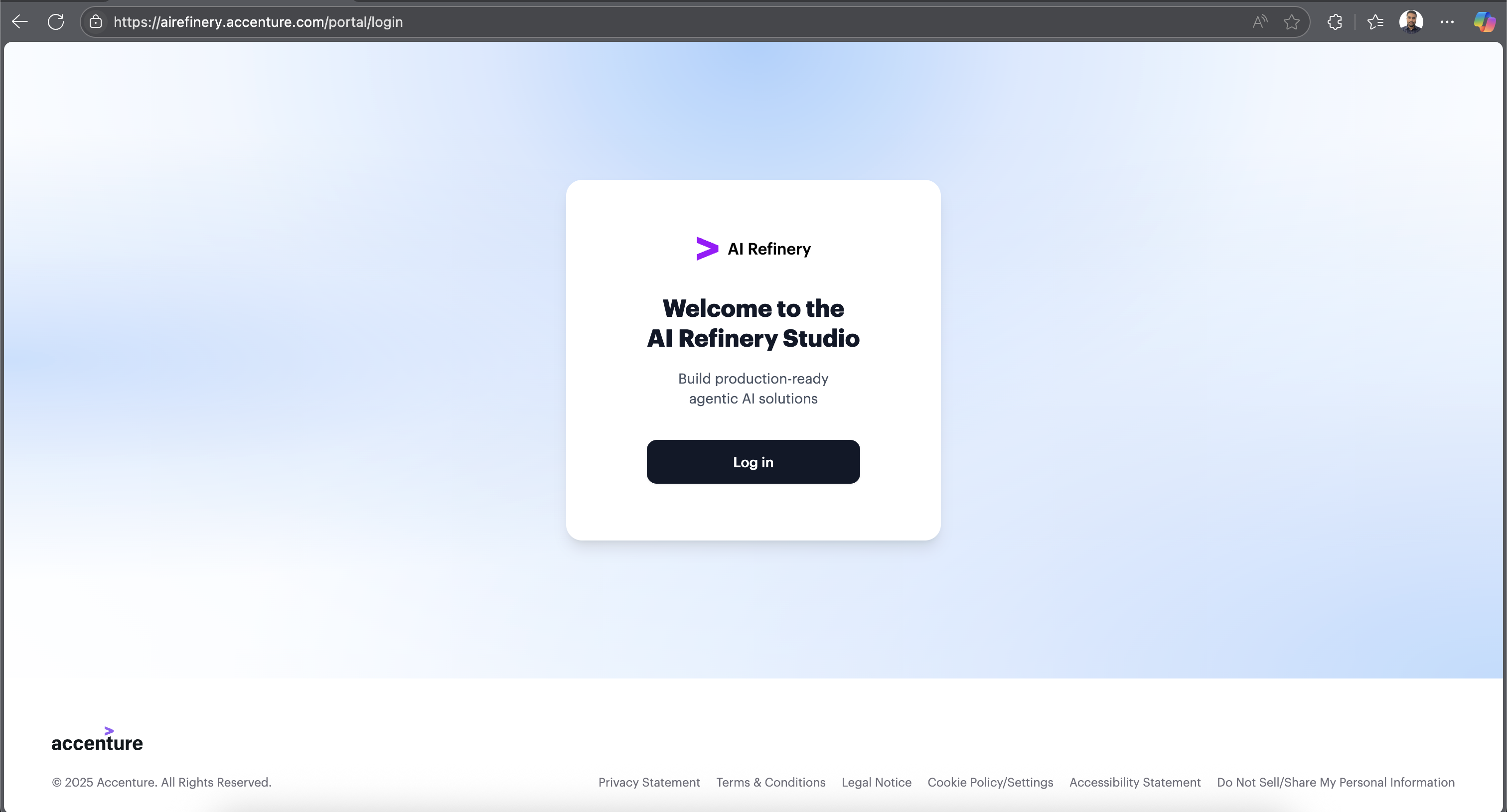
1. Log In to the AI Refinery Portal
Visit our login page and sign in using your Entra ID.
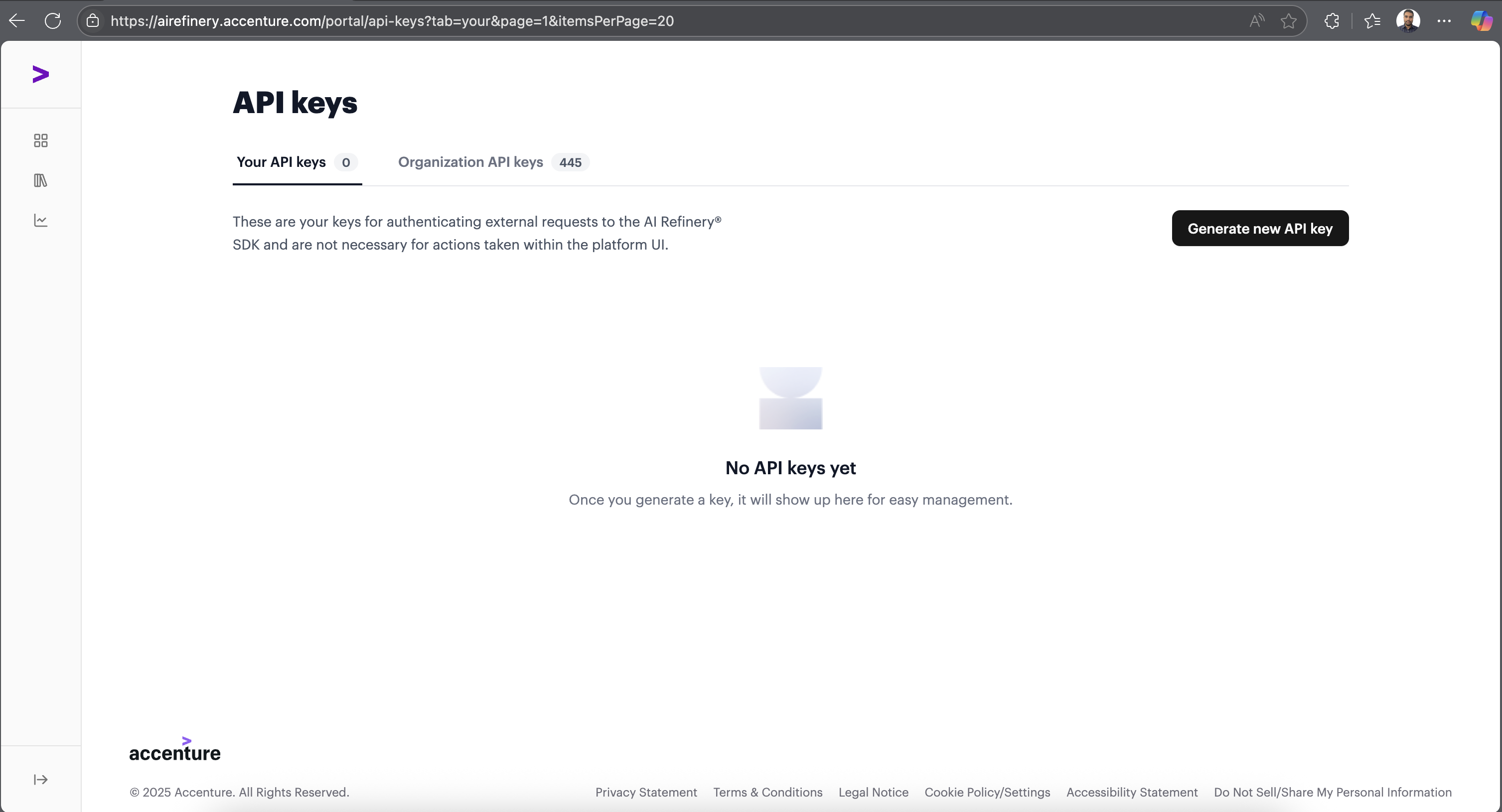
2. Access the API Key Management Page
After logging in, proceed to the API Key Management page.
3. Generate Your API Key
Click on the "Generate New API Key" button to create your API key.
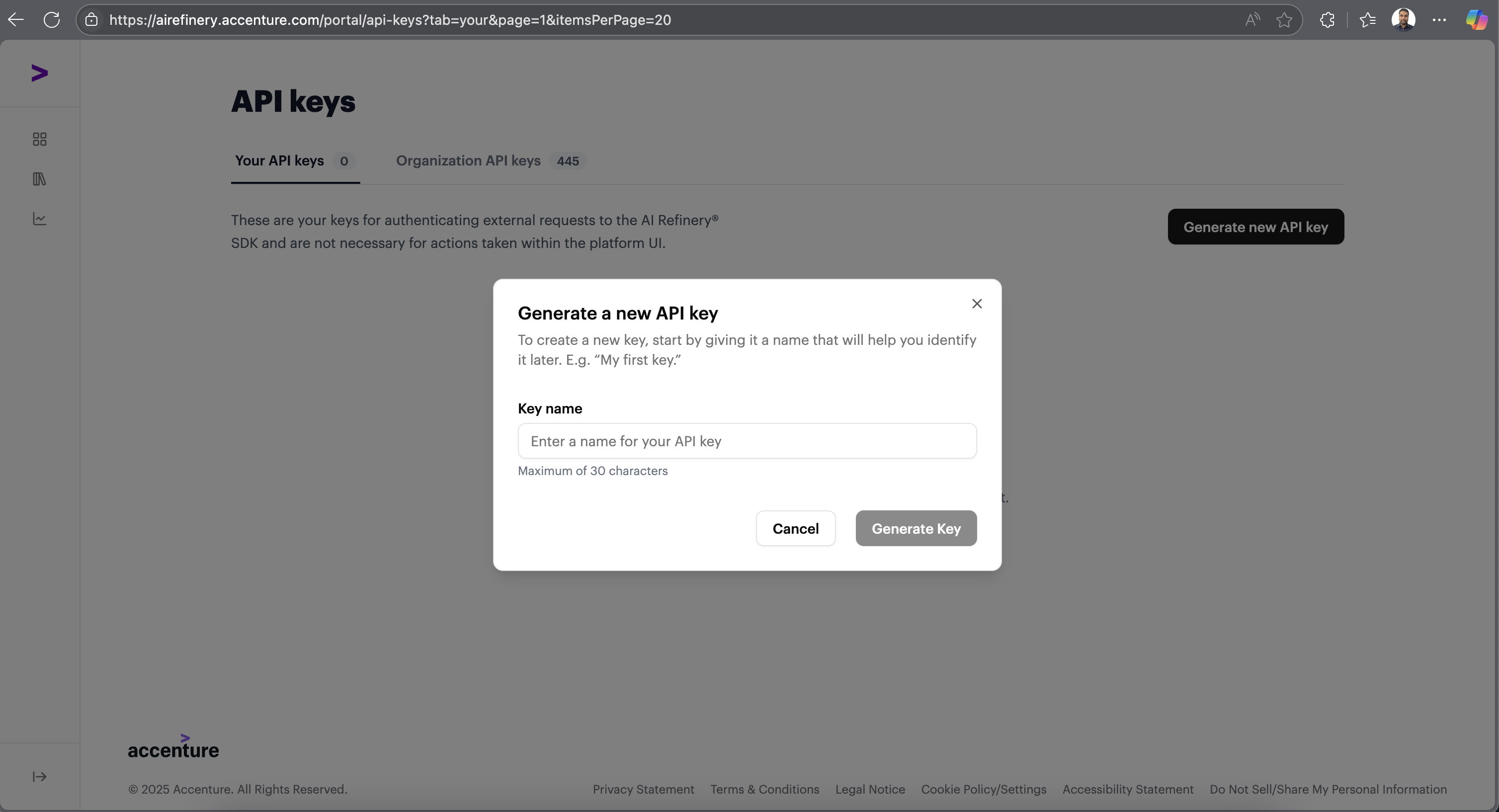
Important: Your API key will be displayed only once. Make sure to store it securely for future use. With this key, you can create projects, access APIs, and utilize all features available in AI Refinery.