Use Agent Teams Outside of Studio
Once you've configured your team in Studio, you can download your agents and team configurations to use or review them outside of AI Refinery® Studio.
How to Export
Download as ZIP — Export your team's YAML, Python files, and data sources as a packaged ZIP file directly from Studio using the Download button in the top toolbar.
The Download button is available in the toolbar whenever you're viewing a team in the Visual Editor or Code Editor.
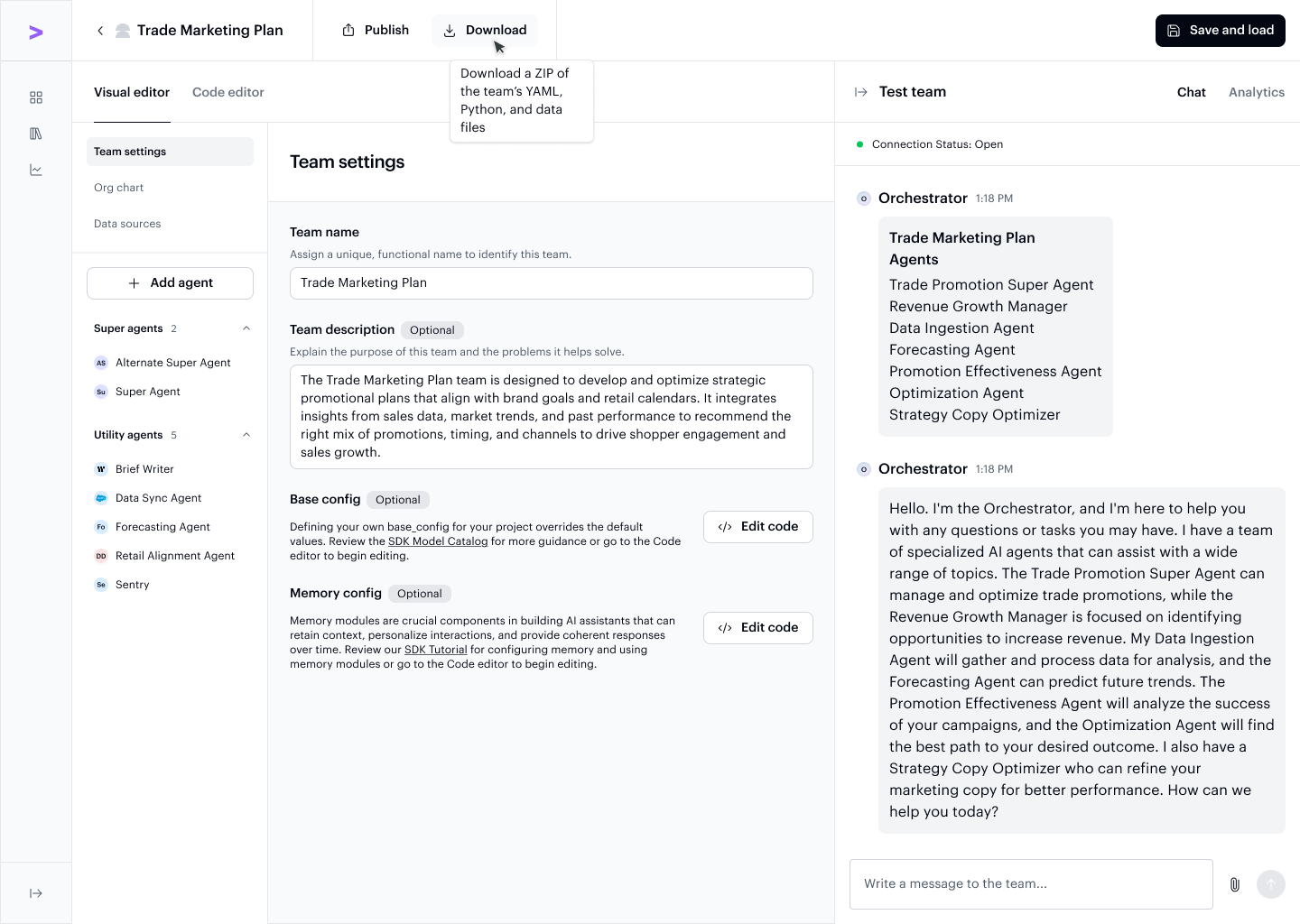
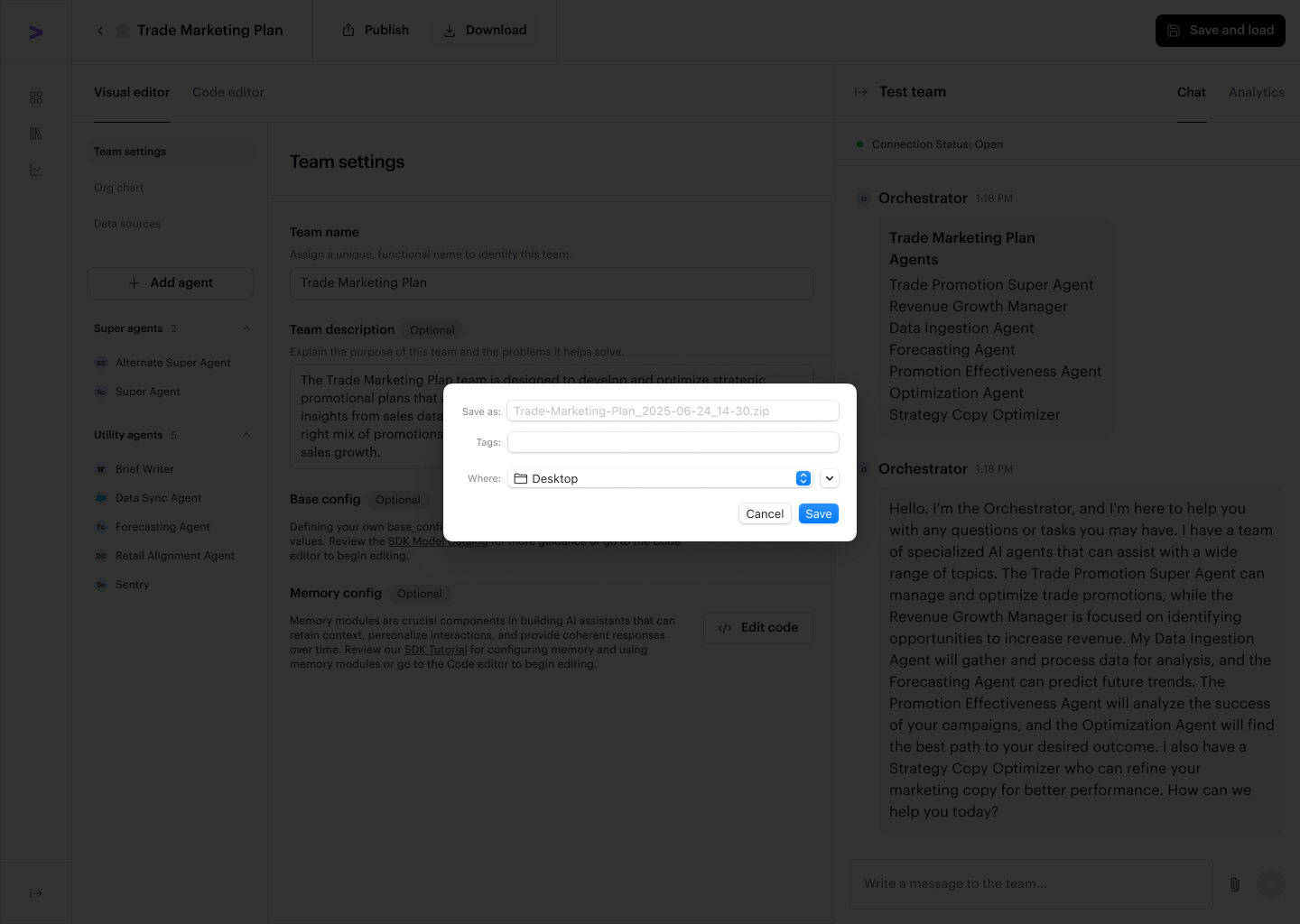
Clicking Download opens a dialog confirming the file name and what's included in the export package — a ZIP containing the YAML configuration files, Python files, and any data files associated with your agent team (project).
Using the Exported Files
Once downloaded, you can:
- Review or integrate externally — Use the files for reference, external development, or integration into other tools
- Run with the SDK — Use the exported configuration with the AI Refinery® SDK to run your agent team (project) programmatically
Keeping Configurations in Sync
Any changes made outside of Studio won't automatically sync back, so ensure you update the Studio configuration if you want to reflect external edits.
The exported ZIP contains the same YAML and Python files described in the Quickstart Guide — that guide picks up right where the Studio export leaves off.